

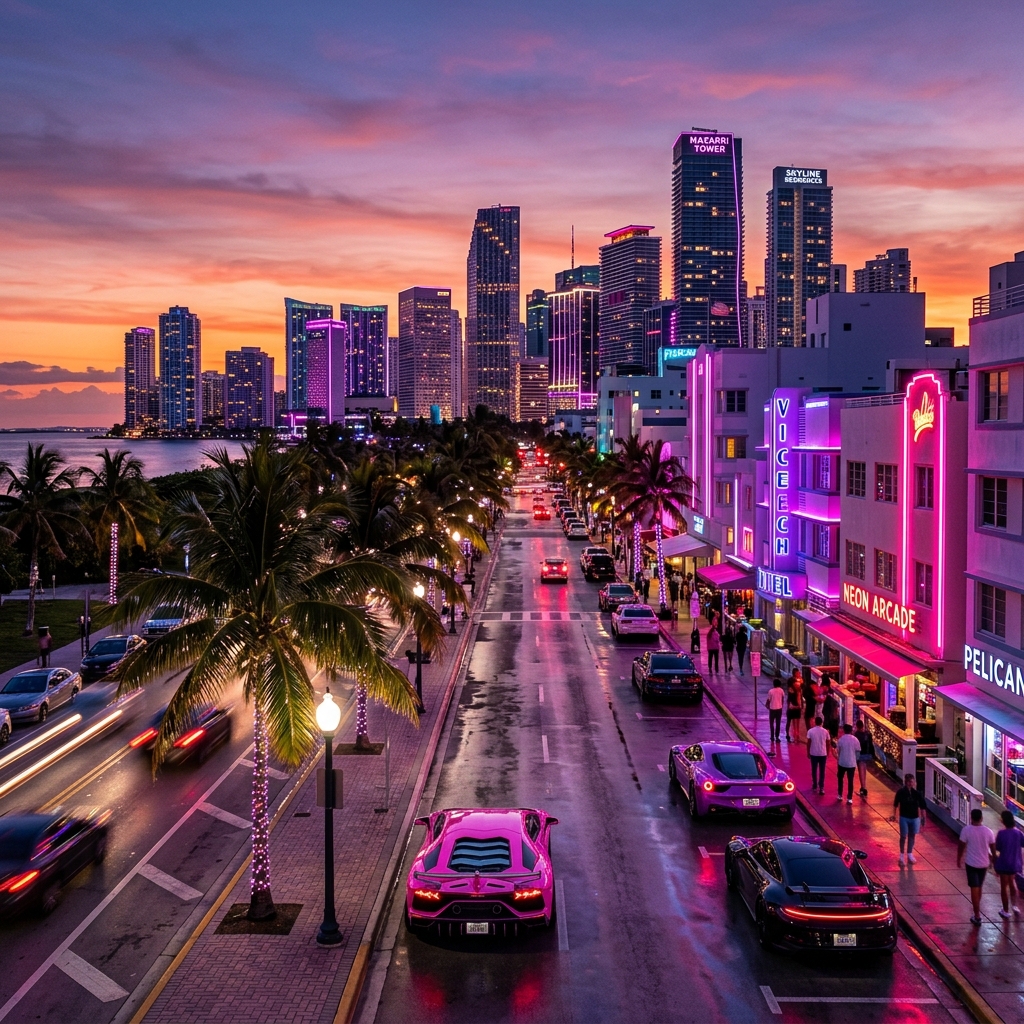
The excitement around GTA 6 is bigger than almost any game release in recent years. Every new trailer, screenshot, or rumor sparks thousands of fan creations across social media.
But what if you could create your own GTA 6-style artwork in seconds?
Thanks to modern AI image generators, you don't need Photoshop skills or years of digital art experience. With the right prompt, you can generate cinematic scenes inspired by the vibrant, neon-soaked world of GTA 6.
Whether you're making wallpapers, YouTube thumbnails, Instagram posts, or simply creating art for fun, this guide will help you generate amazing GTA 6-inspired images.
Table of Contents
What Does "GTA 6 Flavor" Mean?
When people say "GTA 6 flavor," they usually mean artwork that captures the game's overall aesthetic—not an exact copy.
The style typically includes:
- Neon pink and purple lighting
- Miami-inspired beaches and streets
- Luxury sports cars
- Palm trees
- Sunset skies
- Modern city skylines
- Cinematic camera angles
- High-detail realistic graphics
Instead of recreating copyrighted characters or logos, focus on the mood, lighting, and atmosphere.
Prompt Example
Here's a prompt you can use in your favorite AI image generator:
"A cinematic open-world coastal city inspired by modern crime games, glowing neon streets, luxury sports cars, palm trees, dramatic sunset, ultra-realistic, vibrant colors, volumetric lighting, highly detailed, 8K, cinematic composition."
This prompt produces artwork that captures the same energy without directly copying copyrighted material.
Best AI Prompt Tips
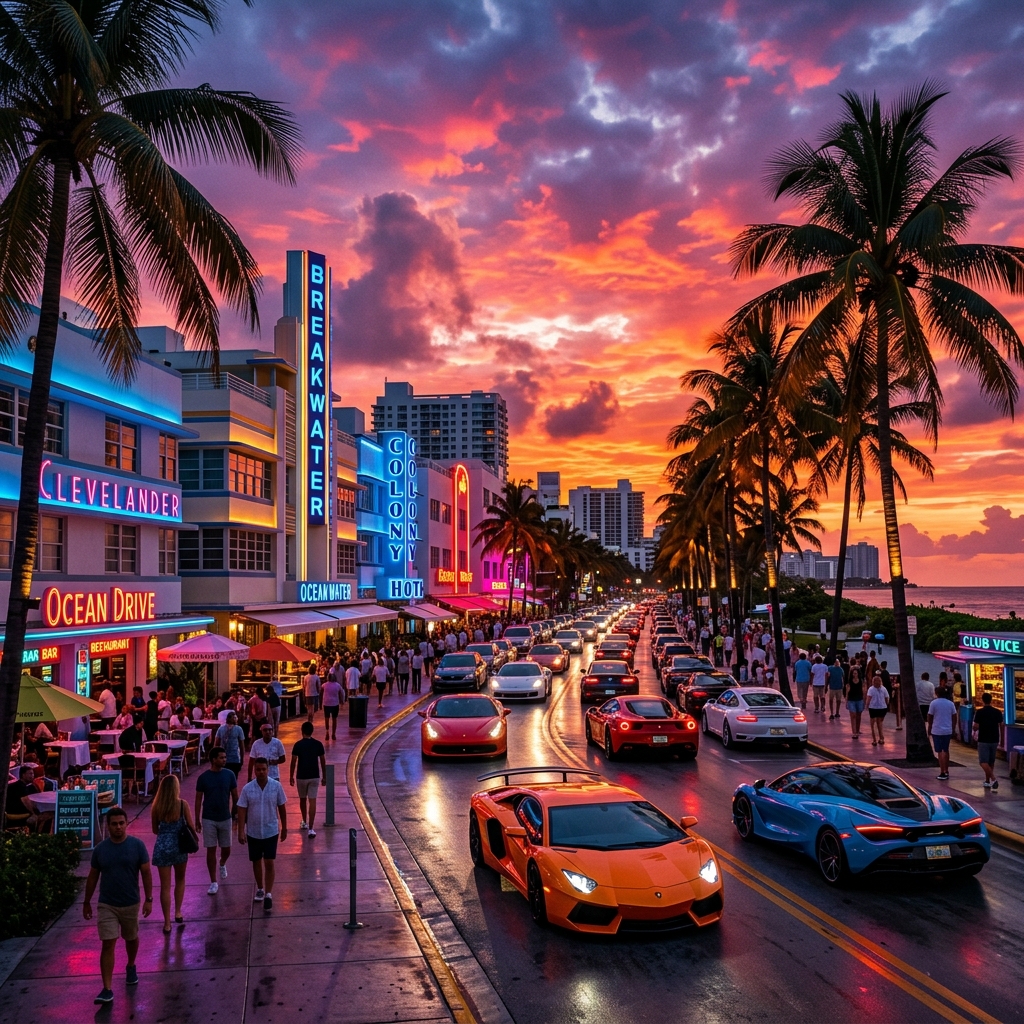
Small changes to your prompt can dramatically improve the results. Try adding phrases like:
These keywords often help AI models create richer, more detailed, and atmosphere-packed images.
Create Different GTA 6 Inspired Scenes
Instead of generating the same city every time, experiment with different settings.
Beach Sunset
Imagine luxury cars parked beside a glowing beach with palm trees swaying under a pink sunset.
Downtown Nightlife
Create a vibrant downtown full of neon signs, sports cars, reflections, and nightlife.
Luxury Mansion
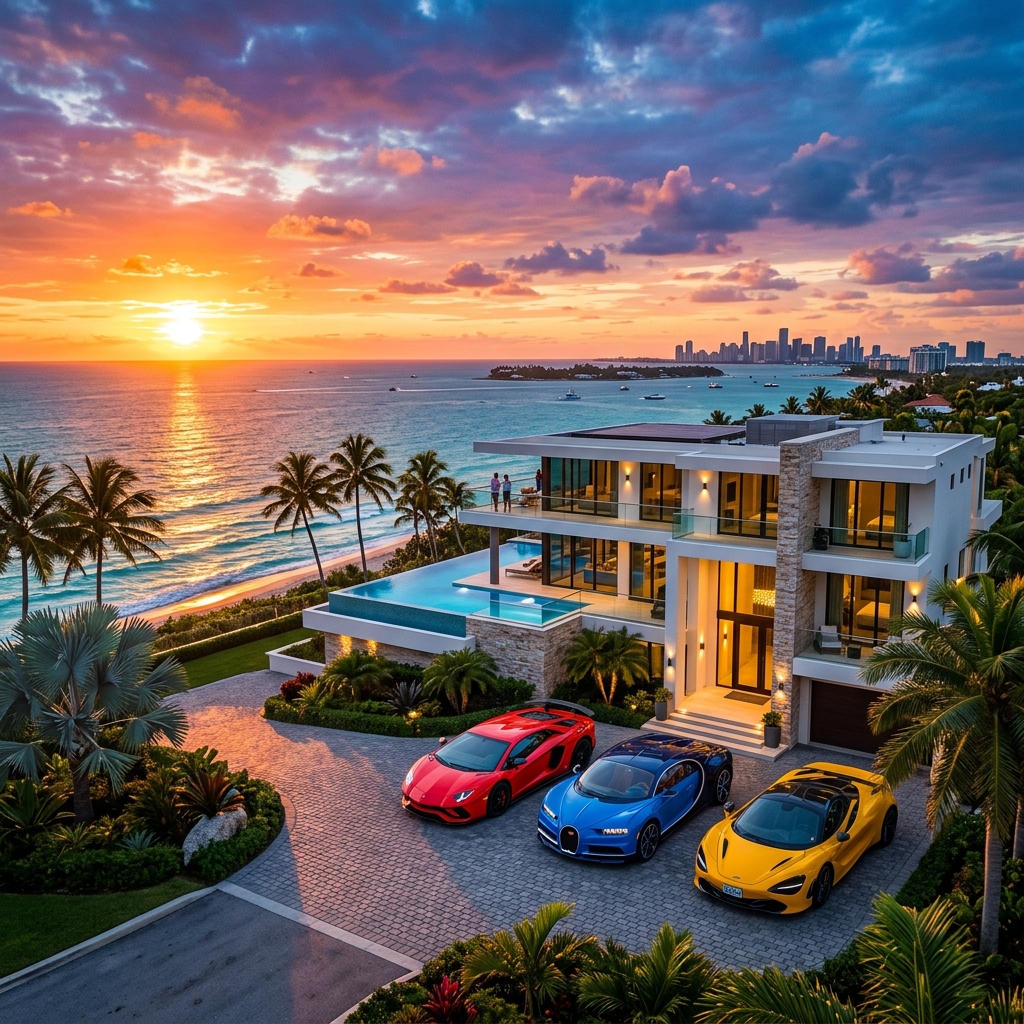
Generate a modern mansion overlooking the ocean with expensive vehicles and cinematic lighting.
Police Chase
A dramatic action scene featuring fast cars racing through city streets under heavy rain.
Rooftop View
Capture the city skyline from a rooftop during sunset with glowing skyscrapers.
Generating GTA 6-Style Characters
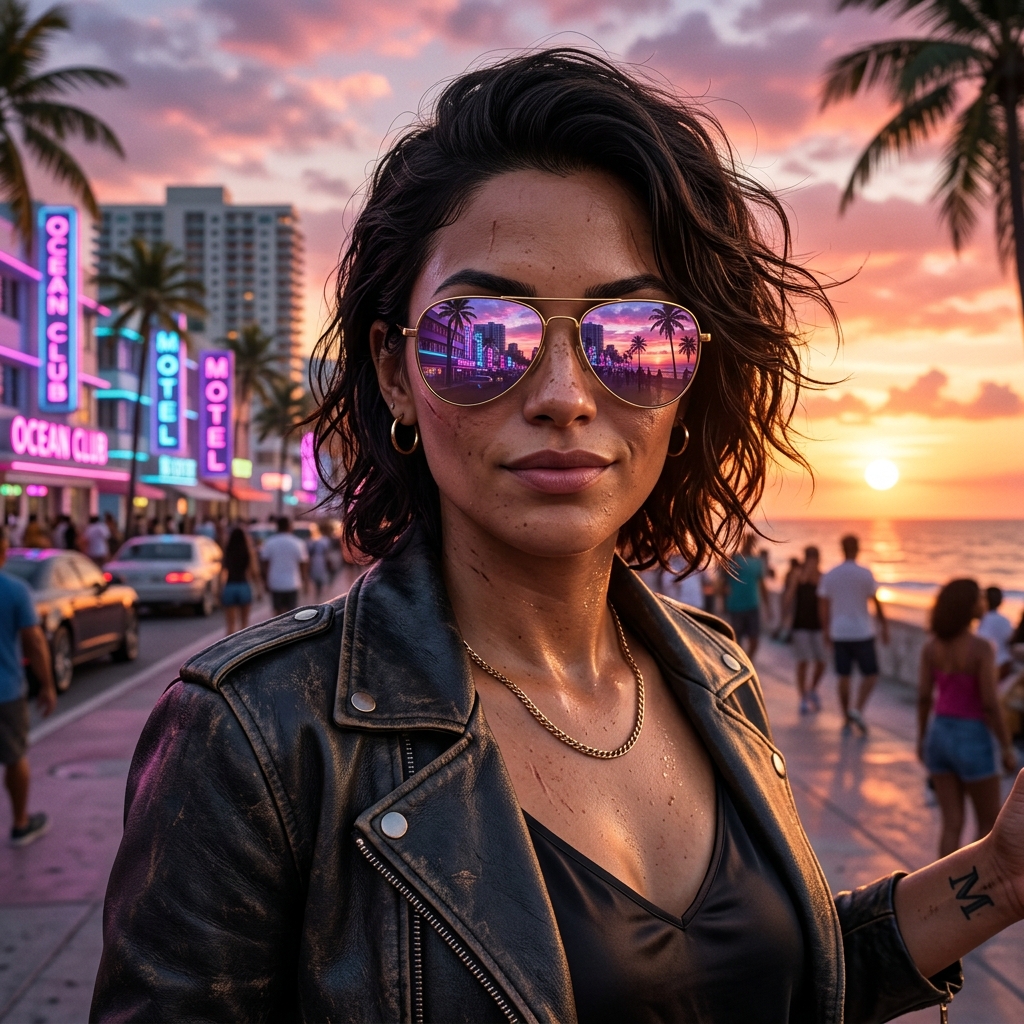
A huge part of the GTA aesthetic is the iconic character artwork featured in loading screens and promotional materials. To generate characters that look like they belong in the game, focus on clothing style (such as leather jackets, stylish sunglasses, and jewelry), confident poses, and high-contrast sunset lighting.
Here is a detailed character prompt you can use:
"A close-up portrait of a confident female crime protagonist in a coastal city, modern crime game character design, GTA 6 art style, wearing stylish aviator sunglasses reflecting neon palm trees and pink sunset sky, orange golden hour light, high-detail realistic rendering, 8k."
🔥 Ready to create your own? Try the ready-to-use GTA VI-Inspired Luxury Streetwear — Cinematic Coastal Game Poster prompt on iPrompti. It includes styling instructions and reference guidelines to transform your portraits into AAA game-cover art.
Common Mistakes to Avoid
Many beginners get disappointing results because their prompts are too simple.
Instead of writing:
"City with cars"
Try:
"Cinematic coastal city at sunset, luxury sports cars, neon lights, realistic reflections, palm trees, vibrant atmosphere, ultra detailed, 8K."
The more descriptive your prompt is, the better the AI usually performs.
Where Can You Use These Images?
GTA-inspired AI artwork works great for:
- YouTube thumbnails
- Social media posts
- Wallpapers
- Gaming blogs
- Discord banners
- Twitch graphics
- Phone wallpapers
- Desktop backgrounds
Always remember to respect copyright rules if you're using the artwork commercially.
Bonus Prompt
"A vibrant tropical metropolis inspired by modern open-world crime games, luxury convertibles driving along palm-lined streets, glowing neon signs, cinematic sunset, realistic reflections, ultra detailed, dramatic atmosphere, 8K, Unreal Engine style."
Final Thoughts
Creating GTA 6-inspired AI artwork has never been easier. The secret isn't expensive software—it's writing better prompts.
Experiment with lighting, camera angles, weather, and environments until you discover a style that feels uniquely yours.
If you're looking for more AI image prompts, creative ideas, and prompt engineering tips, keep exploring iPrompti. New inspiration is just one prompt away.
Frequently Asked Questions
Is it legal to create GTA 6 inspired AI images?
Creating original artwork inspired by the game's visual style is generally different from copying official assets or characters. Avoid using copyrighted logos or recreating official promotional images.
Which AI tools work best?
Most modern AI image generators can create GTA-inspired artwork when provided with detailed prompts.
Can I use these images for YouTube?
Yes, as long as the generated artwork doesn't infringe on copyrighted material or misuse official branding.
How do I make the images look more realistic?
Include prompt keywords like photorealistic, cinematic lighting, volumetric lighting, HDR, 8K, and ultra detailed for better results.